Alpha After-Sales

After-Sales Services

A system for managing maintenance and after-sales customer service: from defining maintenance customers, warranty types and faults, to the service request, work order, spare parts and invoice, with workflows for the main center, home maintenance and authorized centers.

Warranty activation by certificates Automatic issue from custody
Master data and requirements for the three cyclesMain center and home maintenanceMaintenance at authorized centers
After-Sales Services

Master data and requirements for the three cycles

The basic system settings shared by the three workflows: maintenance customers, departments, technicians, warranty types, faults and tasks.

Request a demo
General features
  • Separate maintenance customers handled by the after-sales service system from the company's other customers
  • Define maintenance customers and link them to address, phone and area, all within the after-sales service system
  • Define the maintenance departments in the company
  • Call up the staff belonging to the after-sales service system who are registered in the personnel system and link them to departments
  • Link technicians to the areas they cover, for home-maintenance technicians
  • Define warranty types and link each type to its default duration, counted from either the purchase date or the production date
  • Activate warranty for devices by recording warranty certificates in the system
  • Classify device types within the after-sales service system to suit the nature of the work, separate from the classification in inventory
  • Create a fault database in the system through (defining fault types – fault codes and linking them to the fault type)
  • Define the maintenance tasks technicians perform, and their prices
After-Sales Services

Main center and home maintenance

The workflow for main-center maintenance and home maintenance: from the customer's report to delivering the device and issuing the invoice.

Request a demo
General features
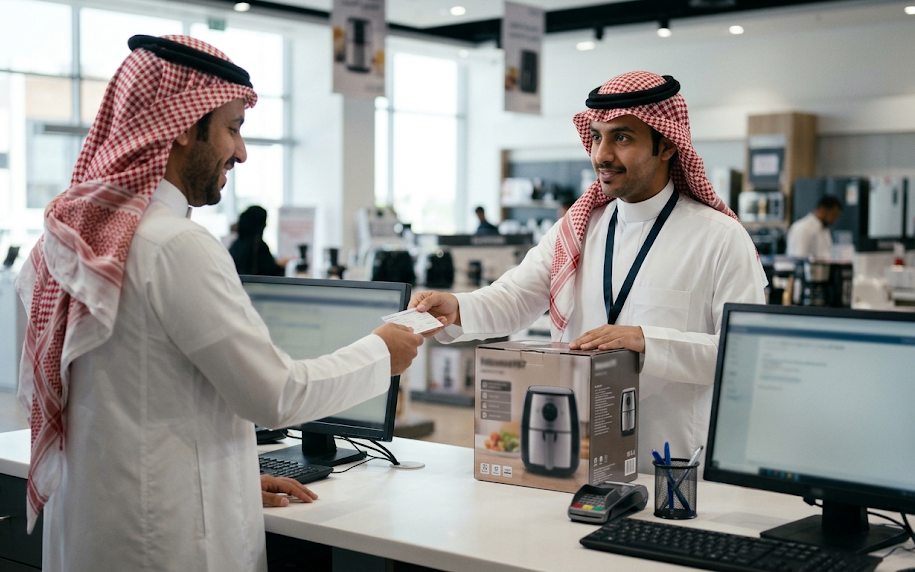
  • Record a maintenance request from the customer containing the customer's details, the item to be repaired and the customer's complaint
  • Print a device receipt note from the system containing the information in the request, to hand to the customer
  • Assign technicians to requests in the system (after reviewing each technician's current workload in the system)
  • Print a work order report from the system containing the information in the request, to hand to the technician
  • Create a work order automatically based on assigning the technician to the request
  • Record the technician's visit date to the customer in the system, along with any notes about the visit, in the case of home maintenance
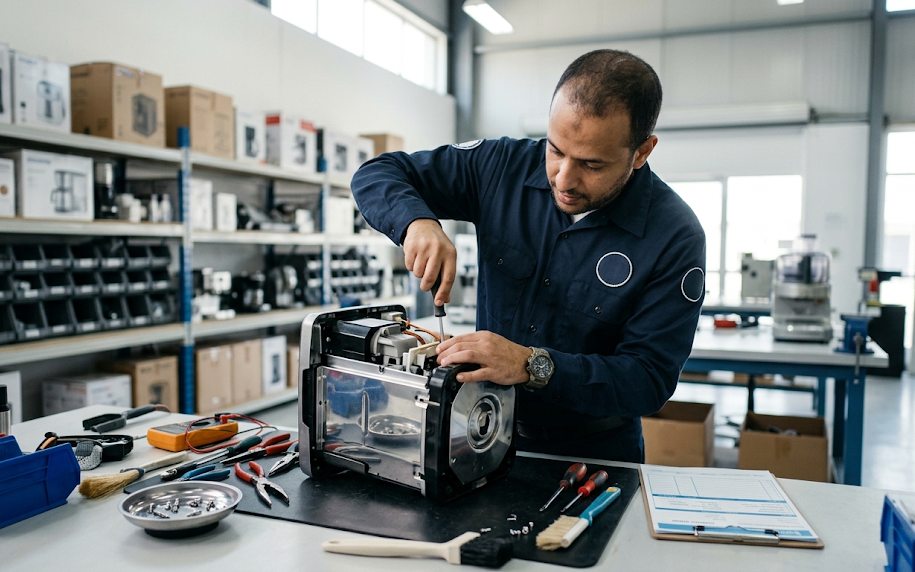
  • Record the work performed on the work order (faults – tasks – spare parts)
  • Issue an issue note automatically (to be deducted from the technician's custody) when the work order is closed
  • View the work order result broken down into (repair cost – spare parts – other costs)
  • Based on the device status (under warranty – out of warranty), which the system calculates automatically, the system issues a sales invoice including: device maintenance value – spare parts value – travel value, which can be queried and printed within the sales system
  • Change the work order status, such as (hold – cancel), stating the reason
  • Record delivery of devices to customers in the system, sometimes conditional on issuing the invoice and receiving its value
After-Sales Services

Maintenance at authorized centers

The maintenance workflow carried out by authorized service centers: recording their claims and settling them through the purchasing system.

Request a demo
General features
  • Separate the service-center suppliers handled by the after-sales service system from the company's other suppliers
  • Record claims received from sub-service centers, specifying (each device and the work done on it)
  • Query claims that have not been paid
  • Create invoices for authorized service centers for the maintenance they performed, with the ability to query them in the purchasing system
The Alpha ERP suite

Other systems that integrate with it

Demo

See After-Sales Services on your own company data

Leave your details and our team will contact you to arrange a demo tailored to your business, with no obligation.

Book a free demo

Leave your details and we will get in touch.

Add details (optional)

🔒 Your details are used only to contact you.

We got your request ✓

For a faster reply, continue the conversation on WhatsApp.